Career

The Tools Every Brand Designer Actually Needs in 2026

By
The Desiree Team
May 13, 2026
The software conversation in brand design moves fast. Every year a new tool promises to streamline the process, and every year designers add another subscription to the stack without retiring the last one. But strip away the noise and the toolkit most working brand designers rely on is more stable than the discourse suggests. Here's what's actually in rotation.

Design tools

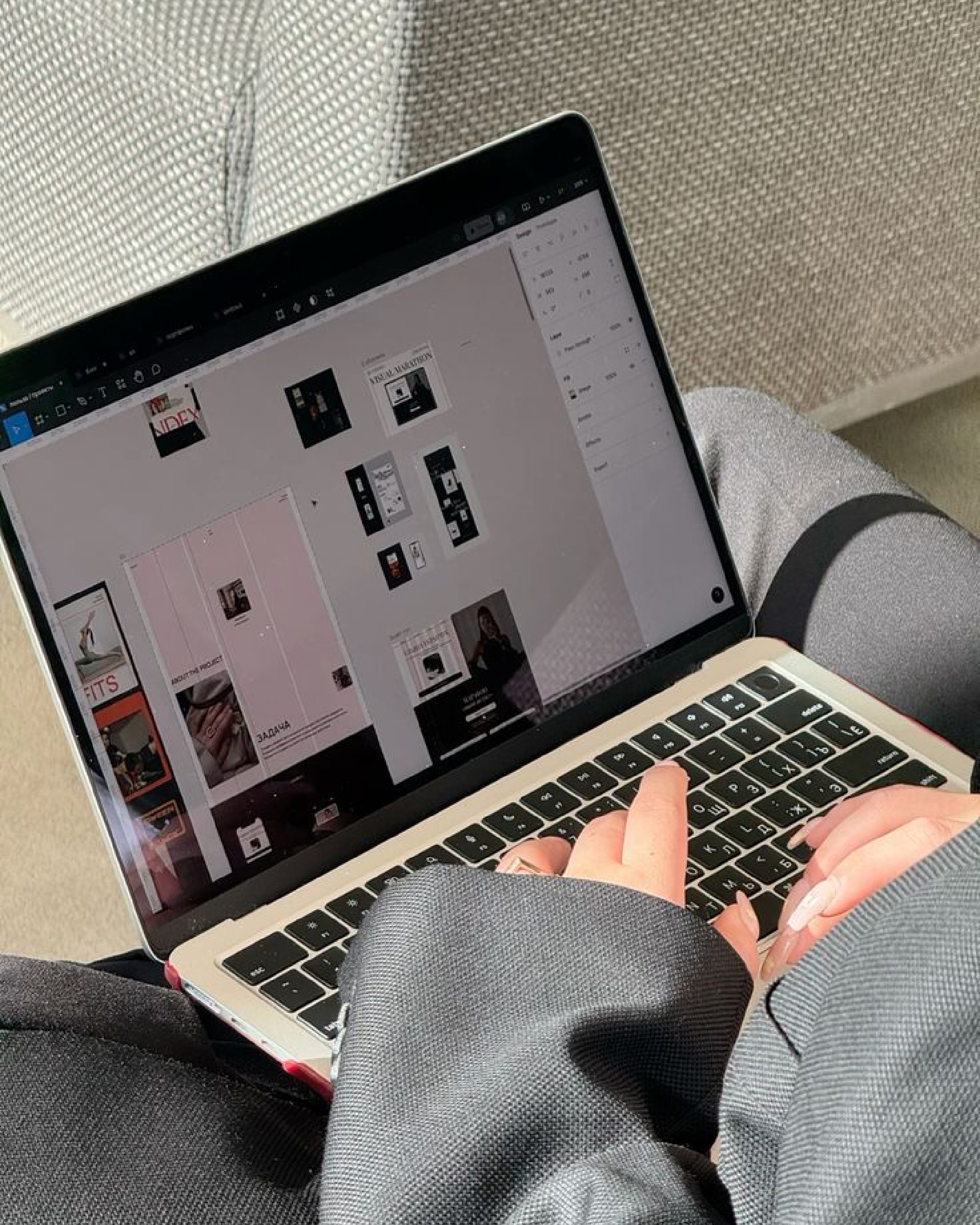
Figma remains the default for collaborative brand identity work, particularly for designers building digital-first systems. Its component-based structure mirrors how modern brand systems function – scalable, modular, easy to hand off.

Adobe Creative Cloud is still the industry standard for core brand design production. Illustrator is essential for logo design, icon systems, and any vector-based identity work – most brand designers consider it non-negotiable. Photoshop handles image manipulation, mockup compositing, and textured visual work that tools like Figma weren't built for. InDesign remains the go-to for brand guidelines documents, editorial layouts, and anything print-heavy.

Canva fills the gap for quick social graphics and simple layouts. Affinity Designer, Photo, and Publisher offer a professional alternative to Adobe for illustration, photo editing, and publishing without the subscription model. Blender is increasingly used for 3D brand visuals, product renders, and dimensional assets. Photopea provides free, browser-based Photoshop-style editing. Hotpot.ai handles quick AI-assisted mockups and enhancements.

‍

Fonts and typography

Google Fonts and Fontshare cover the free, high-quality end of the spectrum. Adobe Fonts comes bundled with Creative Cloud and offers a strong licensed library. Β YouWorkForThem carries professional fonts and design assets. MyFonts includes the WhatTheFont tool for identifying typefaces from images. For designers sourcing distinctive, brand-defining type, independent foundries like Klim, Colophon, and Dinamo are worth bookmarking – typefoundry.directory offers a useful index for discovering foundries and understanding licensing.

‍

Mockups and templates

Presentation quality matters. The Brand Identity curates branding inspiration and assets. Mockup World and Bendito Mockup offer realistic PSD mockups for branding and packaging. Format Mockups provides minimal, editorial-style mockups. Mockup Maison and Merakite specialise in high-quality branding and product mockups. LS Graphics covers UI kits and 3D assets. October November and Creatoom offer creative templates for brand presentations. Unblast curates mockups, fonts, and design resources in one place.

‍

Stock images and media

Unsplash, Pexels, and Pixabay cover free high-quality photography. Depositphotos offers stock photos, vectors, and video. Freepik provides vectors, illustrations, and templates. Death to Stock and The Vault Stock cater to designers who need imagery that doesn't feel like traditional stock. Kaboompics offers authentic free photography curated for creatives. Mixkit handles free video clips, motion graphics, and audio. Icons8 covers icons, illustrations, and graphic assets.

‍

3D assets

346K!T provides 3D icons, mockups, and designer kits. Poly Haven offers free HDRIs, textures, and 3D models. CGTrader, TurboSquid, and FAB are the main professional 3D asset marketplaces. BlenderKit integrates directly with Blender for downloadable models and materials.

‍

Productivity and learning

Notion handles project organisation, brand systems documentation, and workflows. Todoist manages deadlines and task tracking. Coursera and Udemy offer courses on design tools, branding, and business skills – useful for filling specific knowledge gaps.

‍

Project management

For solo designers and small studios, Notion or Monday.com tend to handle project tracking. Larger studios lean on ClickUp or Asana. The tool matters less than the consistency of actually using one.

SUBSCRIBE

The ultimate guide for the modern brand owner, delivered straight to your inbox.
Thank you for subscribing!
Oops! Something went wrong while submitting the form.
Share button
linkedinpinterestmail
Career

The Tools Every Brand Designer Actually Needs in 2026

The software conversation in brand design moves fast. Every year a new tool promises to streamline the process, and every year designers add another subscription to the stack without retiring the last one. But strip away the noise and the toolkit most working brand designers rely on is more stable than the discourse suggests. Here's what's actually in rotation.

By
The Desiree Team
May 13, 2026

Design tools

Figma remains the default for collaborative brand identity work, particularly for designers building digital-first systems. Its component-based structure mirrors how modern brand systems function – scalable, modular, easy to hand off.

Adobe Creative Cloud is still the industry standard for core brand design production. Illustrator is essential for logo design, icon systems, and any vector-based identity work – most brand designers consider it non-negotiable. Photoshop handles image manipulation, mockup compositing, and textured visual work that tools like Figma weren't built for. InDesign remains the go-to for brand guidelines documents, editorial layouts, and anything print-heavy.

Canva fills the gap for quick social graphics and simple layouts. Affinity Designer, Photo, and Publisher offer a professional alternative to Adobe for illustration, photo editing, and publishing without the subscription model. Blender is increasingly used for 3D brand visuals, product renders, and dimensional assets. Photopea provides free, browser-based Photoshop-style editing. Hotpot.ai handles quick AI-assisted mockups and enhancements.

‍

Fonts and typography

Google Fonts and Fontshare cover the free, high-quality end of the spectrum. Adobe Fonts comes bundled with Creative Cloud and offers a strong licensed library. Β YouWorkForThem carries professional fonts and design assets. MyFonts includes the WhatTheFont tool for identifying typefaces from images. For designers sourcing distinctive, brand-defining type, independent foundries like Klim, Colophon, and Dinamo are worth bookmarking – typefoundry.directory offers a useful index for discovering foundries and understanding licensing.

‍

Mockups and templates

Presentation quality matters. The Brand Identity curates branding inspiration and assets. Mockup World and Bendito Mockup offer realistic PSD mockups for branding and packaging. Format Mockups provides minimal, editorial-style mockups. Mockup Maison and Merakite specialise in high-quality branding and product mockups. LS Graphics covers UI kits and 3D assets. October November and Creatoom offer creative templates for brand presentations. Unblast curates mockups, fonts, and design resources in one place.

‍

Stock images and media

Unsplash, Pexels, and Pixabay cover free high-quality photography. Depositphotos offers stock photos, vectors, and video. Freepik provides vectors, illustrations, and templates. Death to Stock and The Vault Stock cater to designers who need imagery that doesn't feel like traditional stock. Kaboompics offers authentic free photography curated for creatives. Mixkit handles free video clips, motion graphics, and audio. Icons8 covers icons, illustrations, and graphic assets.

‍

3D assets

346K!T provides 3D icons, mockups, and designer kits. Poly Haven offers free HDRIs, textures, and 3D models. CGTrader, TurboSquid, and FAB are the main professional 3D asset marketplaces. BlenderKit integrates directly with Blender for downloadable models and materials.

‍

Productivity and learning

Notion handles project organisation, brand systems documentation, and workflows. Todoist manages deadlines and task tracking. Coursera and Udemy offer courses on design tools, branding, and business skills – useful for filling specific knowledge gaps.

‍

Project management

For solo designers and small studios, Notion or Monday.com tend to handle project tracking. Larger studios lean on ClickUp or Asana. The tool matters less than the consistency of actually using one.

Share button
linkedinpinterestmail
Career

The Tools Every Brand Designer Actually Needs in 2026

The software conversation in brand design moves fast. Every year a new tool promises to streamline the process, and every year designers add another subscription to the stack without retiring the last one. But strip away the noise and the toolkit most working brand designers rely on is more stable than the discourse suggests. Here's what's actually in rotation.

By
The Desiree Team
May 13, 2026

Design tools

Figma remains the default for collaborative brand identity work, particularly for designers building digital-first systems. Its component-based structure mirrors how modern brand systems function – scalable, modular, easy to hand off.

Adobe Creative Cloud is still the industry standard for core brand design production. Illustrator is essential for logo design, icon systems, and any vector-based identity work – most brand designers consider it non-negotiable. Photoshop handles image manipulation, mockup compositing, and textured visual work that tools like Figma weren't built for. InDesign remains the go-to for brand guidelines documents, editorial layouts, and anything print-heavy.

Canva fills the gap for quick social graphics and simple layouts. Affinity Designer, Photo, and Publisher offer a professional alternative to Adobe for illustration, photo editing, and publishing without the subscription model. Blender is increasingly used for 3D brand visuals, product renders, and dimensional assets. Photopea provides free, browser-based Photoshop-style editing. Hotpot.ai handles quick AI-assisted mockups and enhancements.

‍

Fonts and typography

Google Fonts and Fontshare cover the free, high-quality end of the spectrum. Adobe Fonts comes bundled with Creative Cloud and offers a strong licensed library. Β YouWorkForThem carries professional fonts and design assets. MyFonts includes the WhatTheFont tool for identifying typefaces from images. For designers sourcing distinctive, brand-defining type, independent foundries like Klim, Colophon, and Dinamo are worth bookmarking – typefoundry.directory offers a useful index for discovering foundries and understanding licensing.

‍

Mockups and templates

Presentation quality matters. The Brand Identity curates branding inspiration and assets. Mockup World and Bendito Mockup offer realistic PSD mockups for branding and packaging. Format Mockups provides minimal, editorial-style mockups. Mockup Maison and Merakite specialise in high-quality branding and product mockups. LS Graphics covers UI kits and 3D assets. October November and Creatoom offer creative templates for brand presentations. Unblast curates mockups, fonts, and design resources in one place.

‍

Stock images and media

Unsplash, Pexels, and Pixabay cover free high-quality photography. Depositphotos offers stock photos, vectors, and video. Freepik provides vectors, illustrations, and templates. Death to Stock and The Vault Stock cater to designers who need imagery that doesn't feel like traditional stock. Kaboompics offers authentic free photography curated for creatives. Mixkit handles free video clips, motion graphics, and audio. Icons8 covers icons, illustrations, and graphic assets.

‍

3D assets

346K!T provides 3D icons, mockups, and designer kits. Poly Haven offers free HDRIs, textures, and 3D models. CGTrader, TurboSquid, and FAB are the main professional 3D asset marketplaces. BlenderKit integrates directly with Blender for downloadable models and materials.

‍

Productivity and learning

Notion handles project organisation, brand systems documentation, and workflows. Todoist manages deadlines and task tracking. Coursera and Udemy offer courses on design tools, branding, and business skills – useful for filling specific knowledge gaps.

‍

Project management

For solo designers and small studios, Notion or Monday.com tend to handle project tracking. Larger studios lean on ClickUp or Asana. The tool matters less than the consistency of actually using one.

Share button
linkedinpinterestmail
Career

The Tools Every Brand Designer Actually Needs in 2026

By
The Desiree Team
May 13, 2026
The software conversation in brand design moves fast. Every year a new tool promises to streamline the process, and every year designers add another subscription to the stack without retiring the last one. But strip away the noise and the toolkit most working brand designers rely on is more stable than the discourse suggests. Here's what's actually in rotation.

While the brands mentioned are not sponsored or paid advertisements, some of the products highlighted may earn us a commission.

Sign up for our newsletter to receive the latest brand news and insights from Brand Insider.

Share button
linkedinpinterestmail
βŒƒ